Switchit

Meet. Connect. Share

services

Mobile App Development

industry

Business / Networking

duration

Working Since 2016

country

United States

Switchit

Project Overview

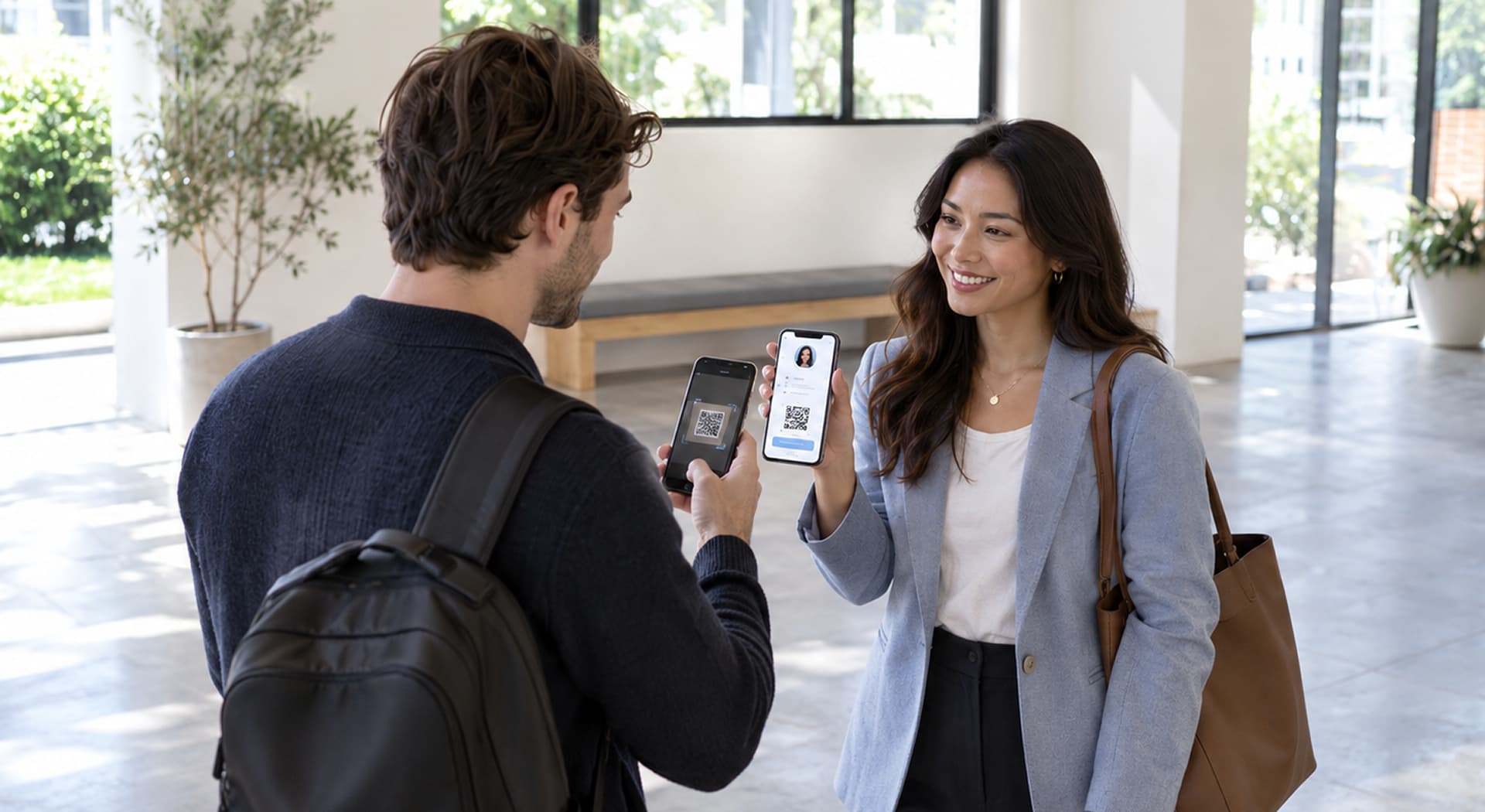
The idea of client behind developing Switchit was to give the business card a new digital platform for professional lookout. With simplest UI and best UX switchit is aimed to serve their customers well, in terms of creating multiple business cards, add details and share the same as vCard via SMS. Not only that, even the details of the switched contact will be saved within the app.

Overview image 1Overview image 2Overview image 3

Challenges

Outlook Calendar Integration
The plan was to integrate the three major calendars (Google, System & Outlook Calendar) into the system.
After successful integration of Google and System calendar, the Outlook calendar presented the major challenges.
The challenge was to sync and integrate the outlook calendar so users can schedule meetings once a contact has been shared.
SDK Implementation Issues
The implementation of the outlook SDK was done at one go but the behavior of the output was not as it should be.
We dig up almost all the libraries and solutions that claimed to be the right ones like SDK of Rest API, Office 365, Outlook, Azure Active Directory, and many more.
Over 10+ libraries and SDKs were tested during the troubleshooting process.
Extensive Debugging Required
The hours of searching, implementing, and testing failure led us to daily communication with Microsoft System Engineer.
70+ hours of debugging were invested to identify the root cause of the integration issues.
50+ calls with Microsoft System Engineers were needed to resolve the problem.

Our Solution

Multimedia Digital Business Card
Along with working with Microsoft to solve the Outlook problem, we ended up making a multimedia digital business card.
Video and image integrations with 6 different color themes were added to enrich the card experience.
With a new sleek design, we made the vCard feature whole a server game rather than a mobile game.
Deep Linking Integration
Making everything a server game, the idea of deep linking struck our head to advance the level of user experience.
It was successfully integrated after hours of research and moving out of our comfort zone.
iOS Universal Links were implemented for content linking between app and website.
Outlook Integration Resolved
Just when we launched Multimedia Digital Business Card, out of the blue we figured out the solution for Outlook integration.
We enlightened the Microsoft team so they can help their customers in future.
200 hours of brainstorming and various code testing to solve the issue, we helped Microsoft know their product better!

Features Implemented

Switch the business card digitally, get the professional touch NOW!

1. Login Screen

After successful signup, Login gives ease of user experience. Login with Facebook scales down the time & effort of users from creating remembering another username/password combination.

Login Screen

2. Create Card Screen

Create your own digital designed business card. Simplicity and picking the right details from social media, address, website and much more makes every card unique from the other one.

Create Card Screen

3. Customise And Preview

Customise details in your business card each time. Provide your contact details, choose from various themes, add videos and images to make your business card ready to share.

Customise And Preview

4. Upgrade To Premium

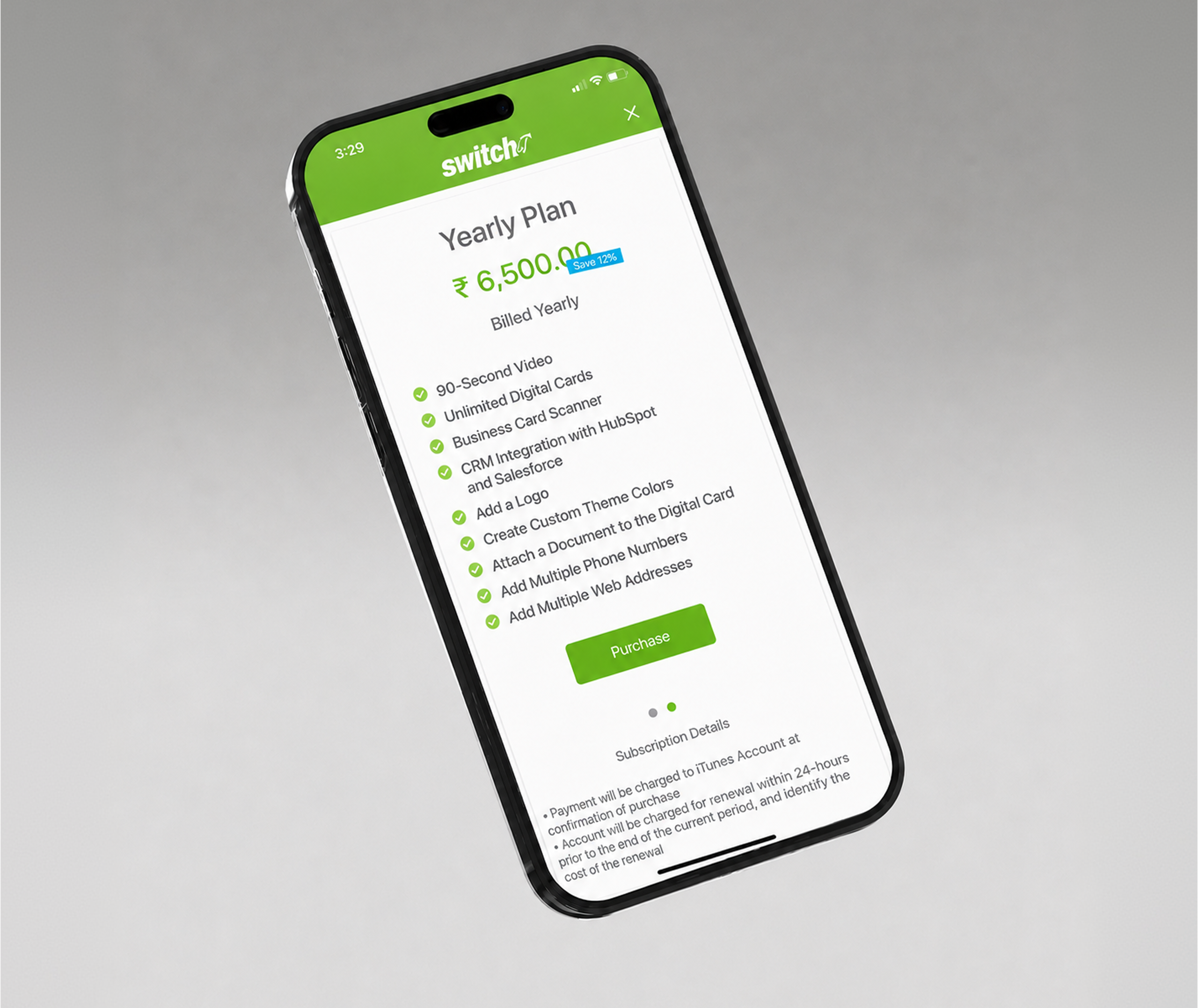
Buy premium version to access some exclusive features. To create unlimited cards with unlimited themes, longer video content, with business card scanner and CRM feature user have to buy monthly or yearly subscription plans.

Upgrade To Premium

5. Share Your Card

Wider range of social media card sharing options. Switching the card will provide you the new way of introduction where you can finally say 'Hasta la vista' to paper business card.

Share Your Card

6. Scan Business Cards

No need to input all the detail to save a contact. Just Scan it! One of the major premium feature, just scan a physical business card and using optical character recognition (OCR) all the contact details will be saved automatically.

Scan Business Cards

7. CRM Integration

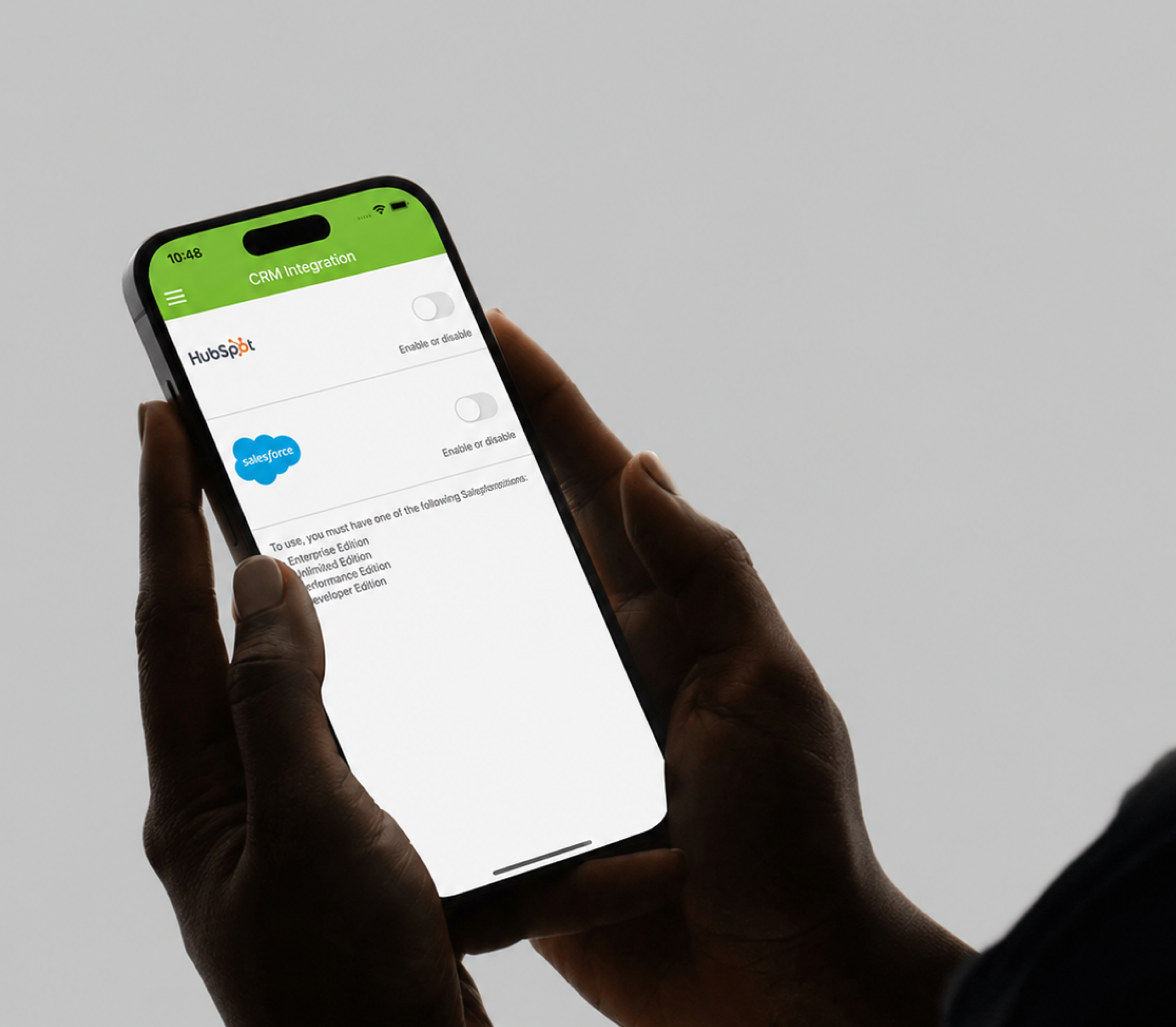
Sync your contacts to Hubspot and Salesforce CRM. This is again a premium feature, to ease out user's process of maintaining a CRM with all the contacts, this feature allow every contact to sync directly to their CRM.

CRM Integration

8. Other Integrations

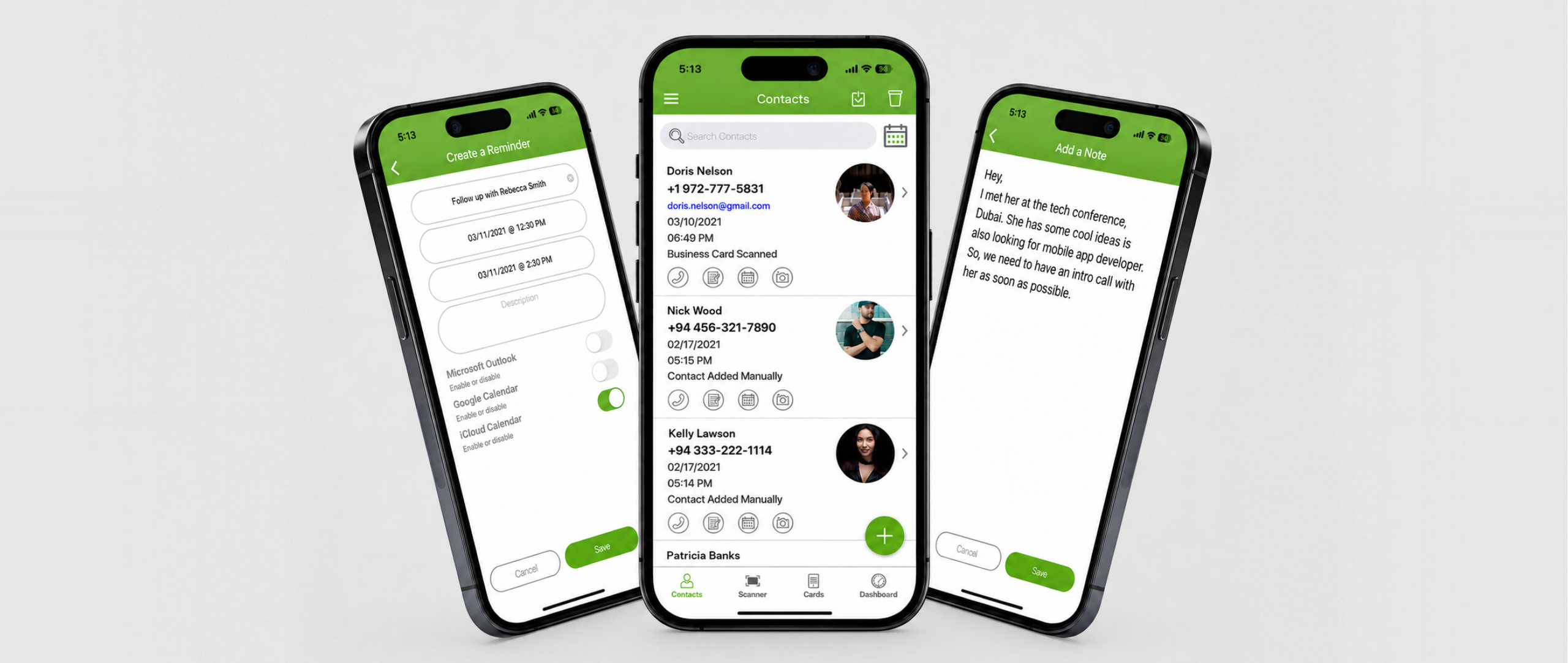
Schedule a meeting within your calendars to make better customer relationships and easy follow-ups with your new business leads. Manage your notes inside the app for a quality reference for your meeting. Calling your contact or sending an SMS reminder has been made quickly with the switch.

Other Integrations

9. Web UI&UX

The web platform provides a complete web-based interface for managing digital business cards, complementing the mobile app experience.

Web UI&UX

Technology Stack

Switchit is built with Swift for iOS and PHP (Laravel) for the backend, with integrations across calendars, CRM systems, and payment gateways.

iOS Language

Swift 4.1

Backend Framework

PHP (Laravel)

Database

MySQL

Server

Digital Ocean, Nginx

CRM Integration

Salesforce & HubSpot

Deployment

GitLab, Docker

Conclusion

Switchit transforms the traditional business card into a digital, multimedia experience. With features like OCR-based card scanning, CRM integration with Salesforce and HubSpot, and calendar sync across Google, Apple, and Outlook, the app serves professionals who want to network efficiently. The team overcame a major Outlook calendar integration challenge, investing 200+ hours to find a solution that even helped Microsoft improve their documentation.

Need a Custom Mobile App?

Let us help you build a feature-rich mobile application tailored to your business needs.