Getting Into The College
Coaching and Exam Solution
services
Web App Development
industry
Education / EdTech
duration
6 Months
country
United States
Project Overview
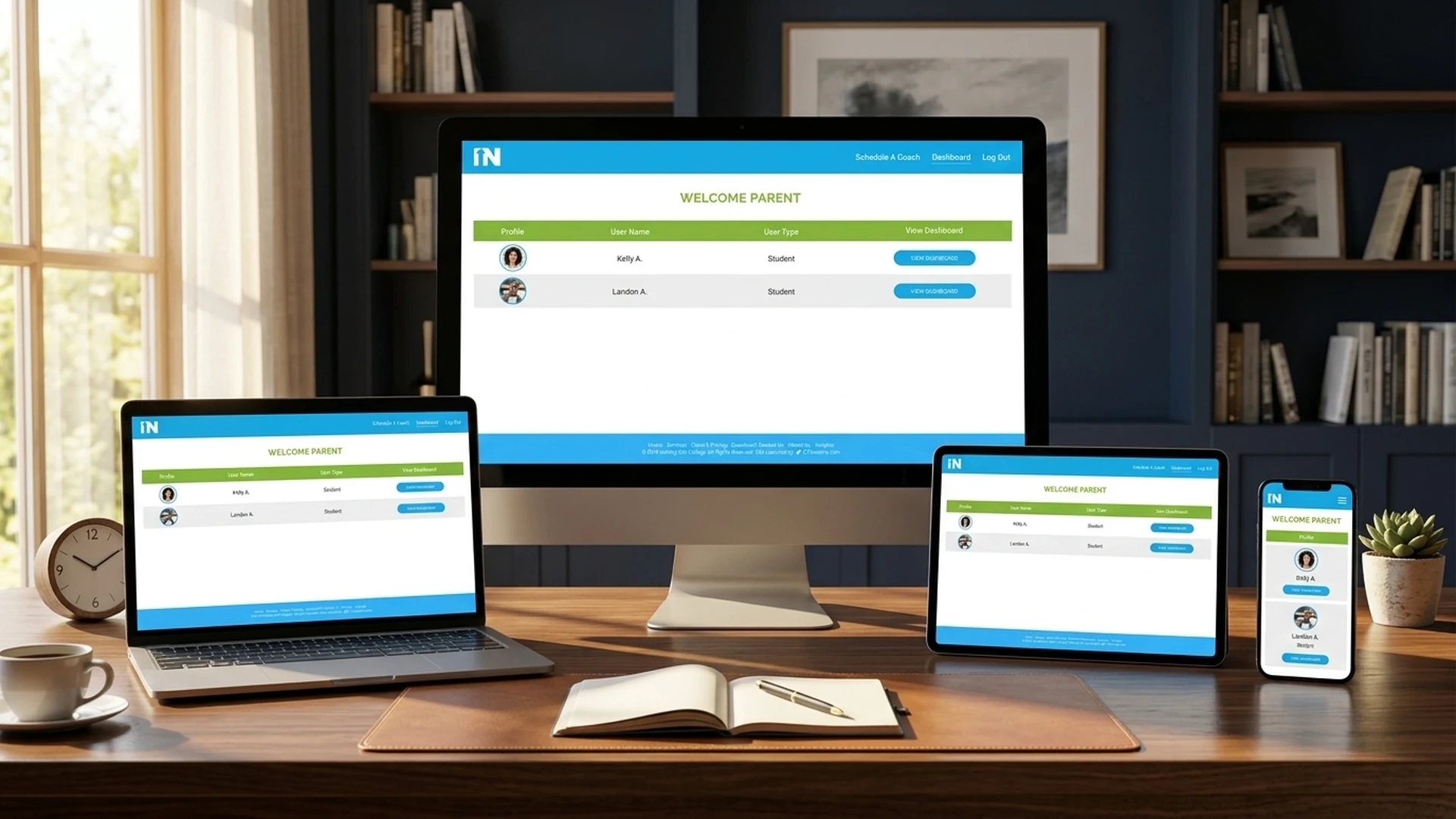
Getting Into The College is a digital and one-on-one coaching platform that helps students and family members navigate through the college admission process. This multi-purpose web application includes interactive tools with different views for students, Parent/Guardian, and other Users that help the student and other users plan and prepare.

Challenges
Multi-User Management
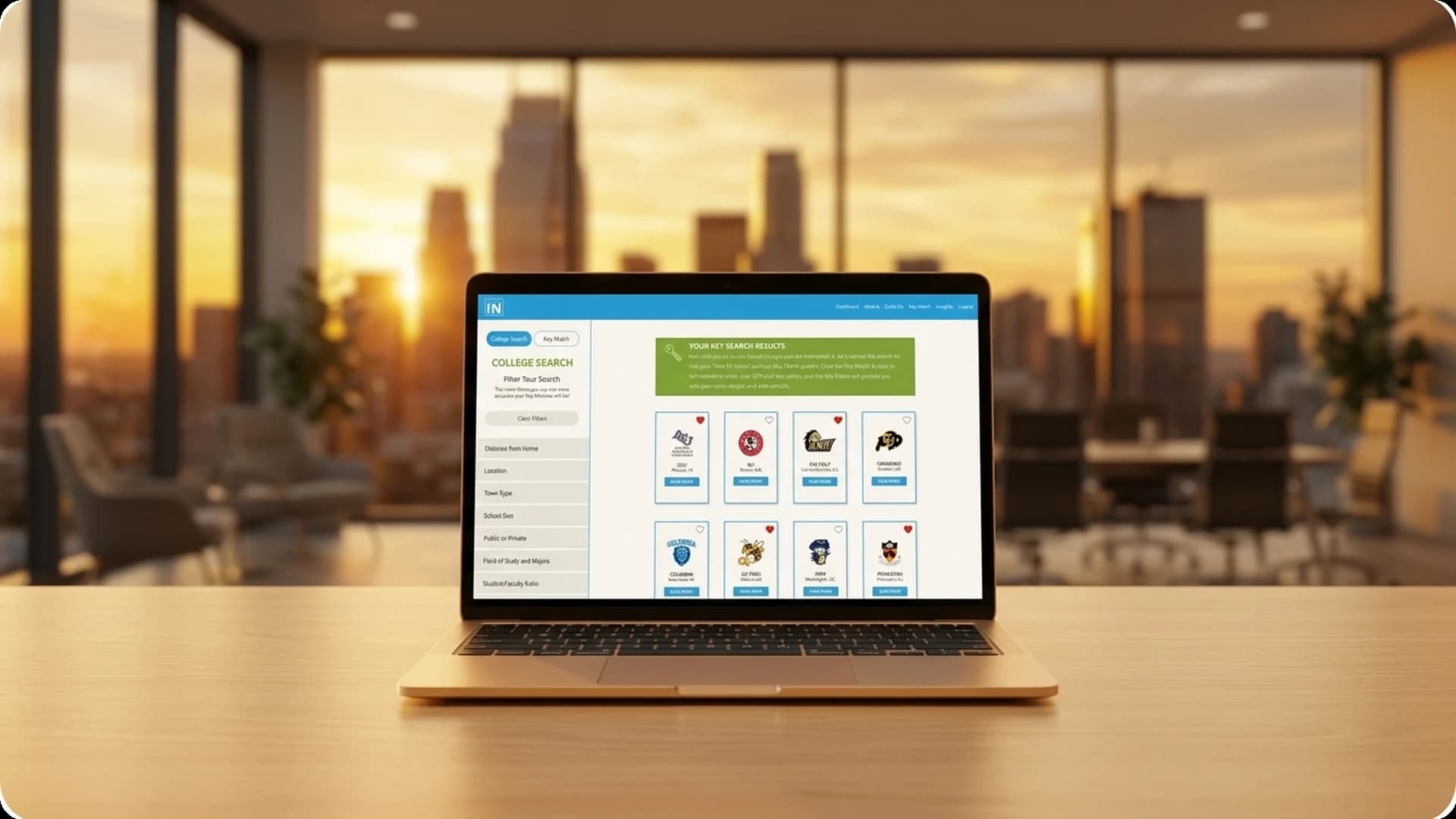
Edupath Third Party API Integration
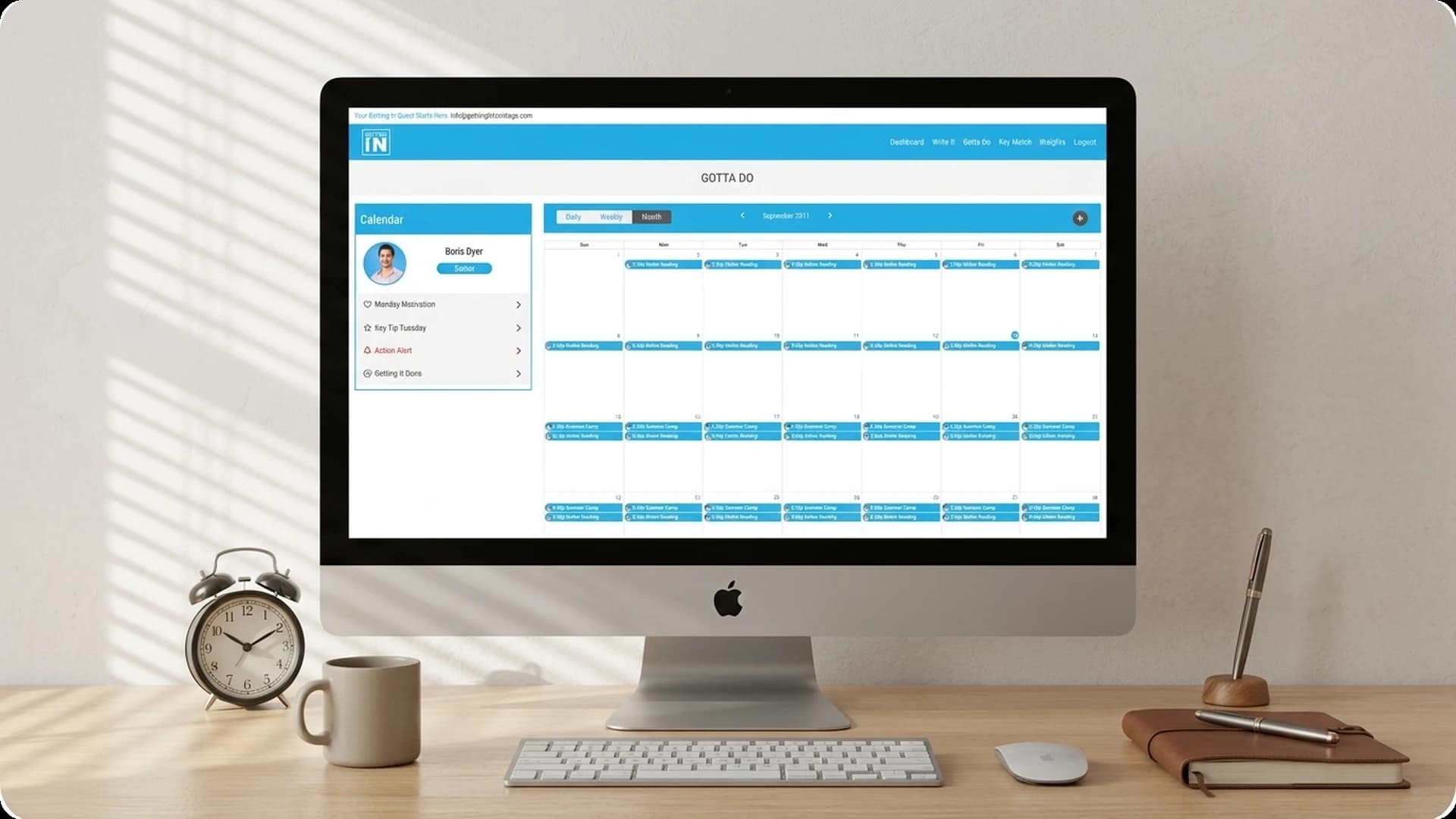
Calendar Integration with Recurring Events
Subscription Plan
Our Solution
Edupath API Filtering System
Custom Calendar Component
Full Feature Implementation
Features Implemented
The Getting Into The College platform includes a comprehensive set of features designed for students, parents, coaches, and administrators.


1. Edupath Key Match
With the third party integration of the Edupath API for key matching (searching), it helped all the users like students, Parents/Guardians, etc. to view the properly managed and exact output that would help them in selecting the schools or colleges as per their requirements and their interests.
2. Multi-user Support
This web app supports multiple kinds of users with each user having different views, different dashboards, and different functionalities each. Like Student users who will be able to see lectures, add appointments with the coach, set the schedule in the calendar, get the notes for studying. Parental/Guardian users help them to keep track of their children's activity and keep them updated on their studies. Coach user is the one who will coach the student and help them with his coaching notes and by taking tests. The Master Coach will be able to see the history of public and private lectures assigned, and all the details of coaches and students. Admin can view everything, admin can change the price of the plans, add or remove the coaches, master coaches if it wants.
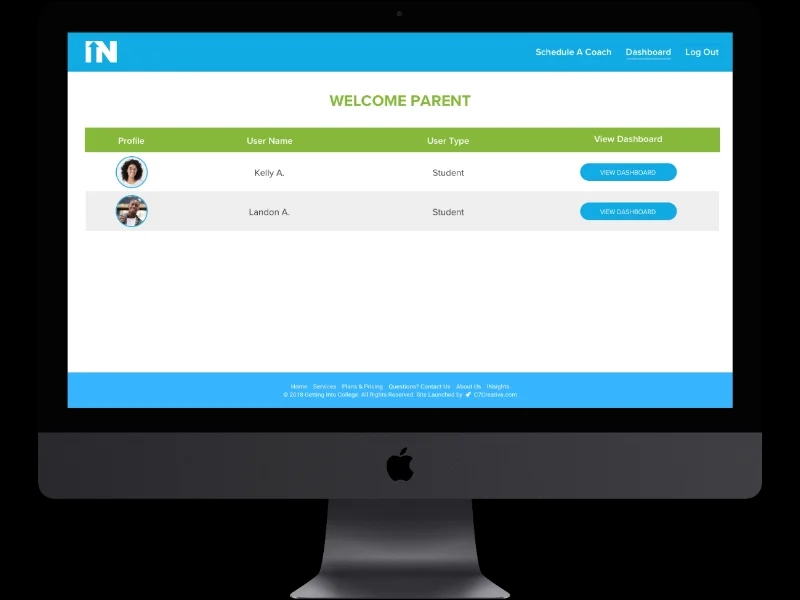
3. Parental/Guardian View
Parent/Guardian can view student's all confirmed/pending coaching events, as well as they can view past completed lectures with the ability to view coach notes added by the coach and comments added by their students as well as the reports and remarks of their student which will help them keep updated on their children's studies activity.
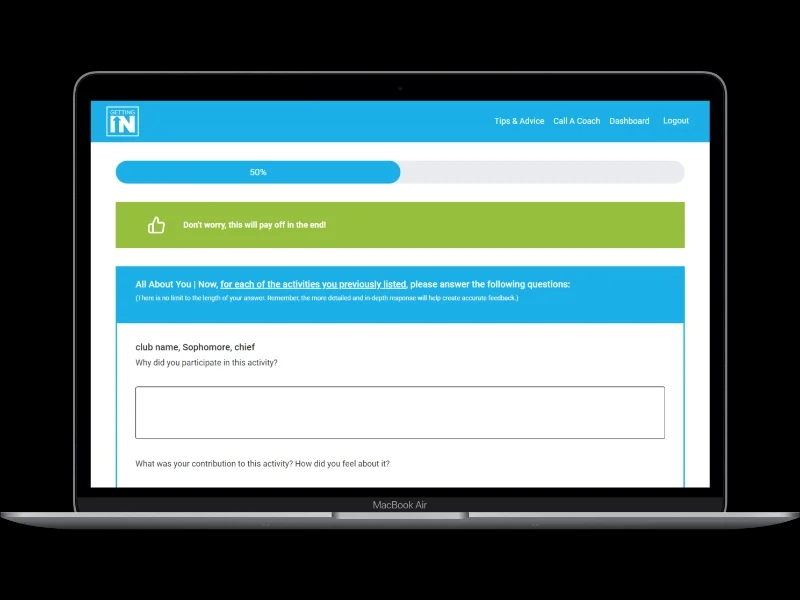
4. Online Tests with Timer Management
All students can give their online scheduled tests where all the questions of the test are handled at runtime with a timer running during the test, which allows the coach to take the test in a given parameter of the predefined time duration and also let the students know how much time they have left to complete the test. With that when a student runs out of time, the test is submitted automatically. So afterward the coach can review the test to students and add remarks to the test.
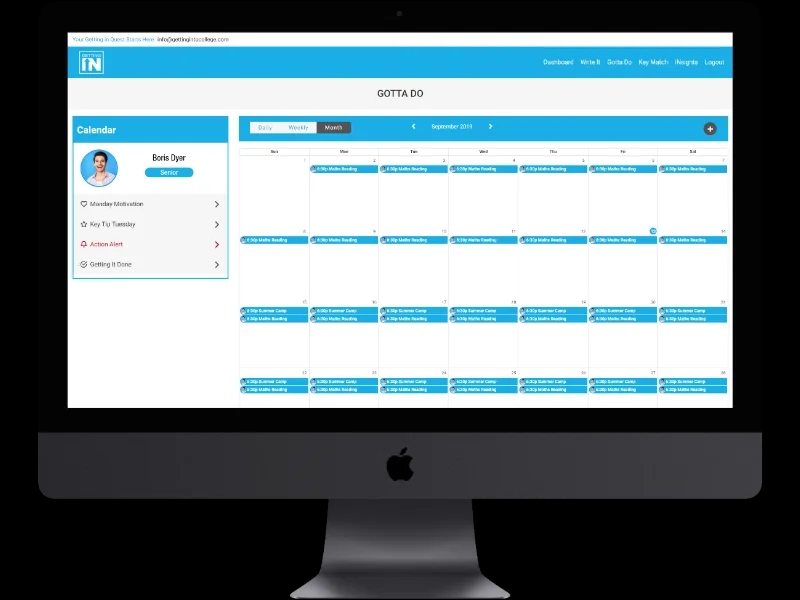
5. Customized Calendar
With this custom calendar, coaches can add their appointments with the students and students can add their test events in the calendar. This way it was easy for coach to see planning of their own with multiple students and students can see their plan as well in advance to be prepared and productive for their tasks.
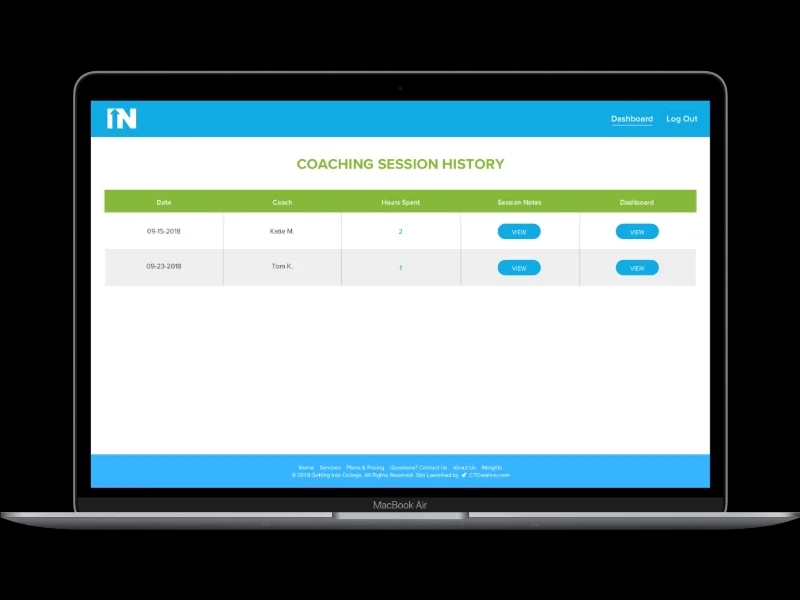
6. Session History
Once the Student will click on the Session history from the dashboard, it will populate all the sessions they have taken so far. They will also be able to see the notes and the other materials related to each session.
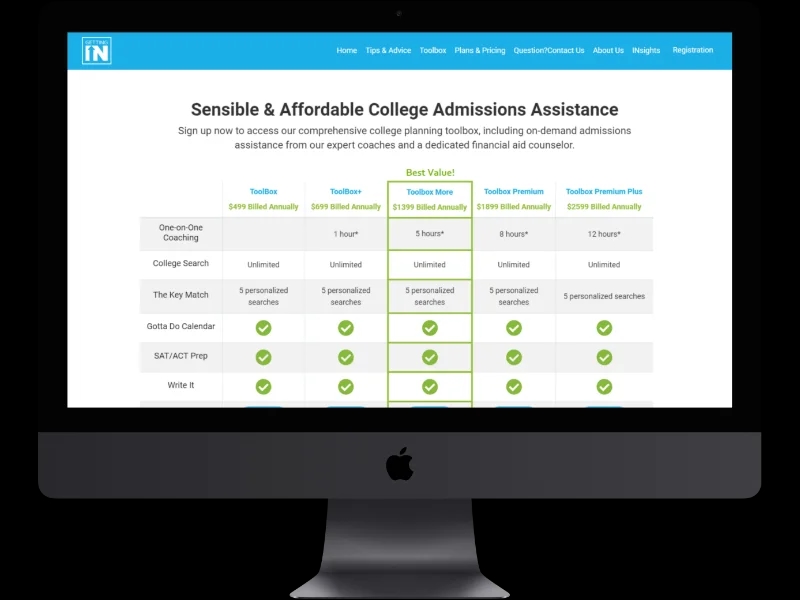
7. User Profile Subscription & Plan
Log in with one step. Selecting the appropriate subscription plan to get access to different modules to make student learning easy and stress-free, as well as parents/guardians, can also easily keep track of their children's studies.
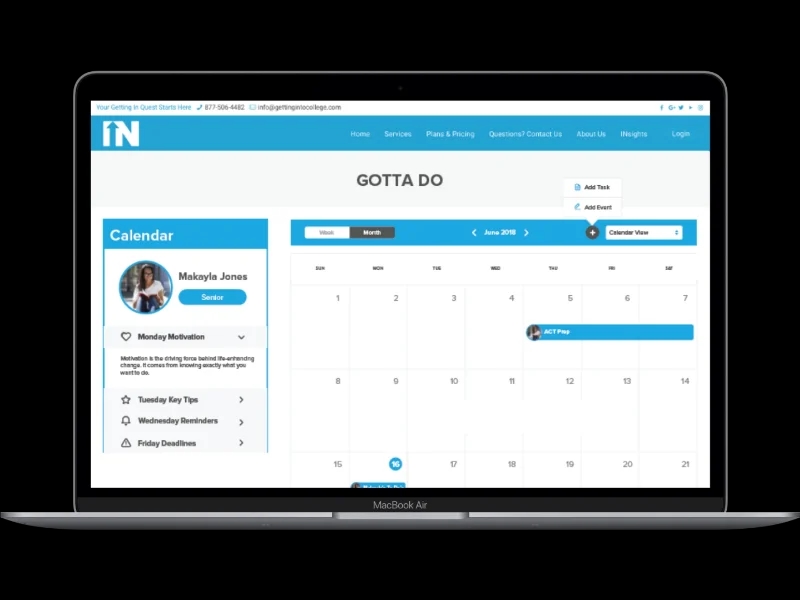
8. Task Assignment
A student will have an option to go into the Gotta Do section and it will show the upcoming task/event with the due date in the section, which would be assigned by the coach.
Backend and Web App Technology Stack
The Getting Into The College platform is built with a modern web stack optimized for multi-user management and real-time interactions.
CI/CD
Gitlab
Database
MySQL
Backend Framework
PHP ( Laravel )
Frontend UI
HTML, CSS, Bootstrap, jQuery
Server & File Storage
Digitalocean
Server Stack
Docker
Third-Party
Facebook, Google, Stripe, Full Calendar
Conclusion
Getting Into The College is a comprehensive coaching and exam platform that simplifies the college admission process for students, parents, and coaches. By integrating Edupath API, custom calendar functionality, multi-user role management, and online testing with timer control, WebMob Technologies delivered a complete EdTech solution that serves all stakeholders in the college preparation journey.


NEED A CUSTOM EDTECH PLATFORM?
Let us help you build a powerful education platform tailored to your coaching and learning needs.
More Projects